What is the main purpose of the Animation Timeline in Inventor Studio?, To define material textures, To organize and control animation sequences, To create new assembly constraints, To export video files, Which tool moves the current time to zero in the Animation Timeline?, Go to end, Go to start, Play animation, Stop animation, What does Animate Fade control?, Visibility of a component, Camera speed, Constraint values, Animation background, Animate Parameters can be used after the parameter is:, Converted to 3D, Exported to Excel, Hidden, Added to Favorite Parameters, Positional Representations are created in which environment?, Drawing environment, Simulation environment, Assembly environment, Presentation environment, Animate Components is used to:, Change lighting color, Add a new camera, Apply texture, Move one or more components based on constraints, What is this icon used for?, Stop animation, Creates a camera, Play the animation in reverse, Play the animation, What is the name of this icon?, Animate Camera, Animate Parameters, Animate Light, Animate Components, What is the purpose of Video Producer?, To store unused animations, To combine camera shots and transitions into one video, To adjust assembly constraints, To convert sketches into animations, In Video Producer, transitions are used to:, Add sound effects, Change model geometry, Increase lighting brightness, Move between camera shots smoothly
0%
MODULE 5.2 TYPE A
Kongsikan
Kongsikan
oleh
Ghragtxlab
Edit Kandungan
Simpan
Sukai
Cetakan
Benamkan
Lebih lagi
Tugasan
Papan mata
Paparkan banyak
Paparkan sedikit
Papan mata ini berciri peribadi pada masa ini. Klik
Kongsikan
untuk menjadikannya umum.
Papan mata ini telah dilumpuhkan oleh pemilik sumber.
Papan mata ini dinyahdayakan kerana pilihan anda berbeza daripada pemilik sumber.
Pilihan untuk Kembali
Kuiz
ialah templat terbuka. Ia tidak menjana skor untuk papan mata.
Log masuk diperlukan
Gaya visual
Fon
Langganan diperlukan
Pilihan
Lebih tepat seperti ini
Viva 1 Module 5 - future activities
oleh
Alisonmullan
Cari padanan
7
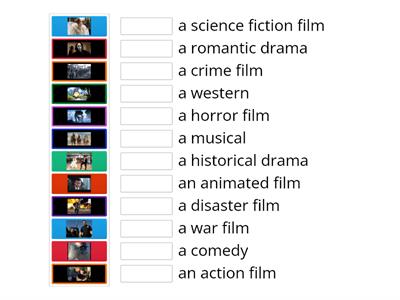
Types of films; Steps Plus 6; Unit 5
oleh
Karoba
Padankan
7
Types of films; Steps Plus 6; Unit 5 a
oleh
School8
Tukang gantung
31
EO3_unit 5 _video 2
oleh
Veralambrekht
Padankan
6
EO3_unit 5_video _vocab
oleh
Veralambrekht
Membuka kotak
7
MODULE 5: 5b Gadget madness
oleh
Tanyamoryakova9
Padankan
7
Perspectives Intermediate unit 5 (video vocab)
oleh
Fedorovaksu
Padankan
5
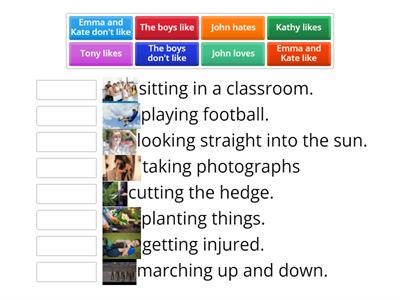
On Screen 2, Unit 1b, video Free-Time Activities
oleh
Smileydiamond
Padankan
6
Tukar templat
Paparkan semua
Buka keputusan
Salin pautan
Kod QR
Padam
Pulihkan autosimpan:
?