
You've had a break. We've been busy.
School is back. Pick up where you left off, or build something new, faster than ever before.
Standard and Pro plans. Cancel anytime.
What's new
Even faster
Type a topic and a classroom-ready activity is ready in seconds.
It's the same Wordwall, just quicker to build.
More ways to build
Upload a ready-made activity, or get the AI assistant to generate one from a file.
Less time copying, more time teaching.
More visual styles
You asked, we delivered — Beach and London are new this summer.
Same content, new look. With 37 visual styles, there's more variety than ever.
Backed by research
Independent research shows Wordwall has measurable impact on learning outcomes.

Everything is ready for a new school year
Every activity you built is saved in your account. Log in, pick your plan, and you're back in class.
Your content — any activity
Pro unlocks 31 AI-assisted templates. Standard includes 12.
Choose a template to get started.


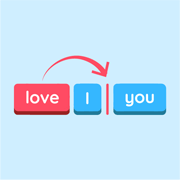
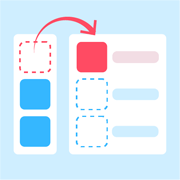



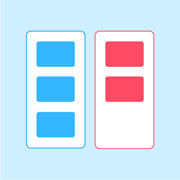
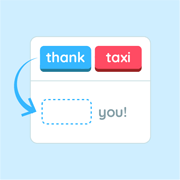
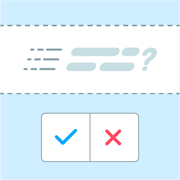
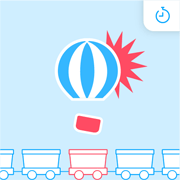

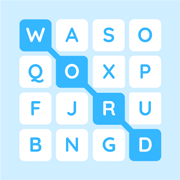
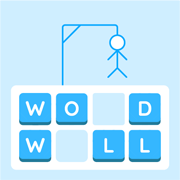

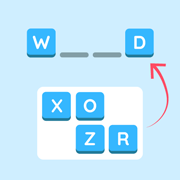



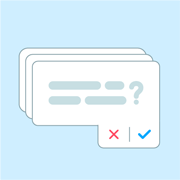
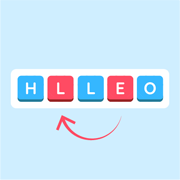
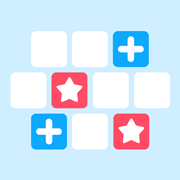
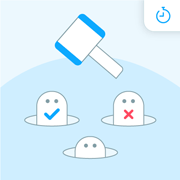
Any of these templates can be adapted with AI assistance.
Frequently asked questions (FAQs)
Is there an AI that can automatically generate a quiz, word search, or classroom game?
Yes. Wordwall's AI assistant generates Quiz, Match up, Anagram, Flash cards, and more from a single topic. On Standard, that's 12 templates. Pro adds Wordsearch, Crossword, Maze Chase, and more. Pick a template, type what you need, and get a classroom-ready activity in seconds.
What is the best free AI quiz maker for teachers?
Wordwall is free to sign up. AI assistance requires a paid subscription — Standard or Pro. Standard includes the AI assistant across 12 templates with no cap on activities. Pro covers 31 templates. Both plans cancel anytime. View price plans.
How do I create a classroom activity with AI?
Pick a template, then tell the AI assistant what your class needs: grade level, subject and topic, and your learning goal. For example: "5th grade science comprehension check on the water cycle." The activity is ready in seconds. Switch between templates in one click without retyping. Standard includes 12 templates with AI assistance. Pro adds 19 more.
Can AI generate activities from a list of keywords or vocabulary?
Yes. Type your keyword list or vocabulary terms. The AI assistant builds a Quiz, Match up, Wordsearch, or any other template directly from your word list. Useful for spelling, vocabulary review, and language learning.
What is the fastest way to create classroom activities with AI?
Pick a template and tell the AI assistant what you need. Wordwall generates a complete, ready-to-use activity in seconds. Use the same topic across multiple templates to build a week of activities — introduce it as a Match up, practice with a Quiz, review at the end of the week.
Can I edit an AI-assisted activity?
Yes. Every activity is fully editable. Change questions, add images, adjust difficulty, or switch templates — all from the same editor you would use to build from scratch.
Is Wordwall safe for schools?
Yes. Activities can be played anonymously, no student account required. Wordwall is COPPA and FERPA compliant, trusted by teachers in 180+ countries, including many US schools and districts. Read more in our Privacy Policy.
How is Wordwall different from ChatGPT for teachers?
ChatGPT gives you text. Wordwall gives you a classroom-ready activity. Type the same prompt and you get a formatted, interactive Quiz or game that works on any device, ready to assign or print in seconds, no reformatting required.
Can I upload my own materials to create an activity?
Yes. Upload a lesson plan, worksheet, vocabulary list, or any document and the AI assistant builds the activity from your content. Supported file types: Word documents, PDFs, PowerPoint files, Excel spreadsheets, CSVs, and images (JPEG, PNG, GIF). Pick a template, upload your file, and Wordwall does the rest.
