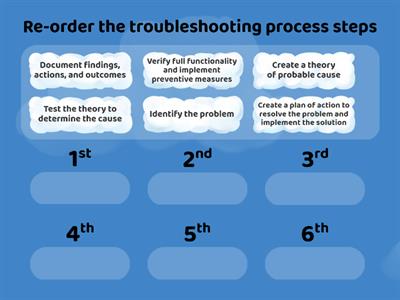
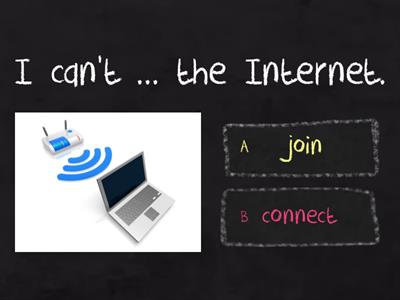
I forgot my password., First of all, click “Forgot password?”. Secondly, enter your email address. Next, check your email. After that, click the link and create a new password. Finally, log in with your new password., The printer doesn't work., To start off with, unplug the printer. After that, connect the printer to the power source., I can't access the Internet., Check the Wi-Fi connection. Next, restart the computer., The screen doesn't work., First, turn the computer off and then turn it on again., The computer crashes., First of all, try to restart the computer. Secondly, close some of the open programmes and tabs. Thirdly, refresh the page., I can't print the document., First, check if there is enough ink and paper. After that, check the printer connection., I can't find the file I was working on., First, check the Recycle Bin. Secondly, find the file. Next, right-click on it. After that, click “Restore”. Finally, check the folder where you saved the file.
0%
Problems with gadgets
Share
Share
by
Behappy2807
Edit Content
Save
Like
Print
Embed
More
Assignments
Leaderboard
Show more
Show less
This leaderboard is currently private. Click
Share
to make it public.
This leaderboard has been disabled by the resource owner.
This leaderboard is disabled as your options are different to the resource owner.
Revert Options
Match up
is an open-ended template. It does not generate scores for a leaderboard.
Log in required
Visual style
Fonts
Subscription required
Options
More like this
What can I do?
by
Yelena
Find the match
5
Problems / What should I do?
by
Brewa
Spin the wheel
13
Gadgets and technical problems
by
Srenzi
Match up
5
Printer Troubleshooting Scenarios
by
Ccre
Match up
5
Troubleshooting process steps
by
Lubnaalmeshaiei
Rank order
5
Computer problems
by
Egonat71
Quiz
28
Computers and passwords
by
Tpakholkova
Complete the sentence
7
Jobs // What do I do?
by
Nlckomarova
Speaking cards
52
Switch template
Show all
Open results
Copy link
QR code
Delete
Continue editing:
?